MAGI-2 API : Turn Text, Frames and References Into 1080p AI Videos With Sound
Try MAGI-2 online right here: write a prompt, start from a first and last frame, or bring reference images, videos and audio, and get a 1080p video of 4 to 30 seconds with sound. Then call the same model from your product through the MAGI-2 API, with one key and one balance.
- Three modes
- 1080p with sound
- Billed by output length
- Open MAGI-2 API
Features
Key MAGI-2 API Capabilities
Three ways to create with MAGI-2
The MAGI-2 API covers text to video, first and last frame to video and reference to video through one endpoint, POST /v1/tasks. Change the mode parameter and keep the rest of your integration as it is.
1080p video with sound
Every MAGI-2 video is rendered at 1080p and 25 frames per second, with the sound generated together with the picture. Set generate_audio to false when you only need the picture; the price per second stays the same.
Motion that follows your reference video
In reference to video, MAGI-2 follows the movement of a reference clip pose by pose and takes the character and outfit from your reference images, while it generates the scene itself. Name each file in the prompt with @Image1 or @Video1.
First frame and last frame
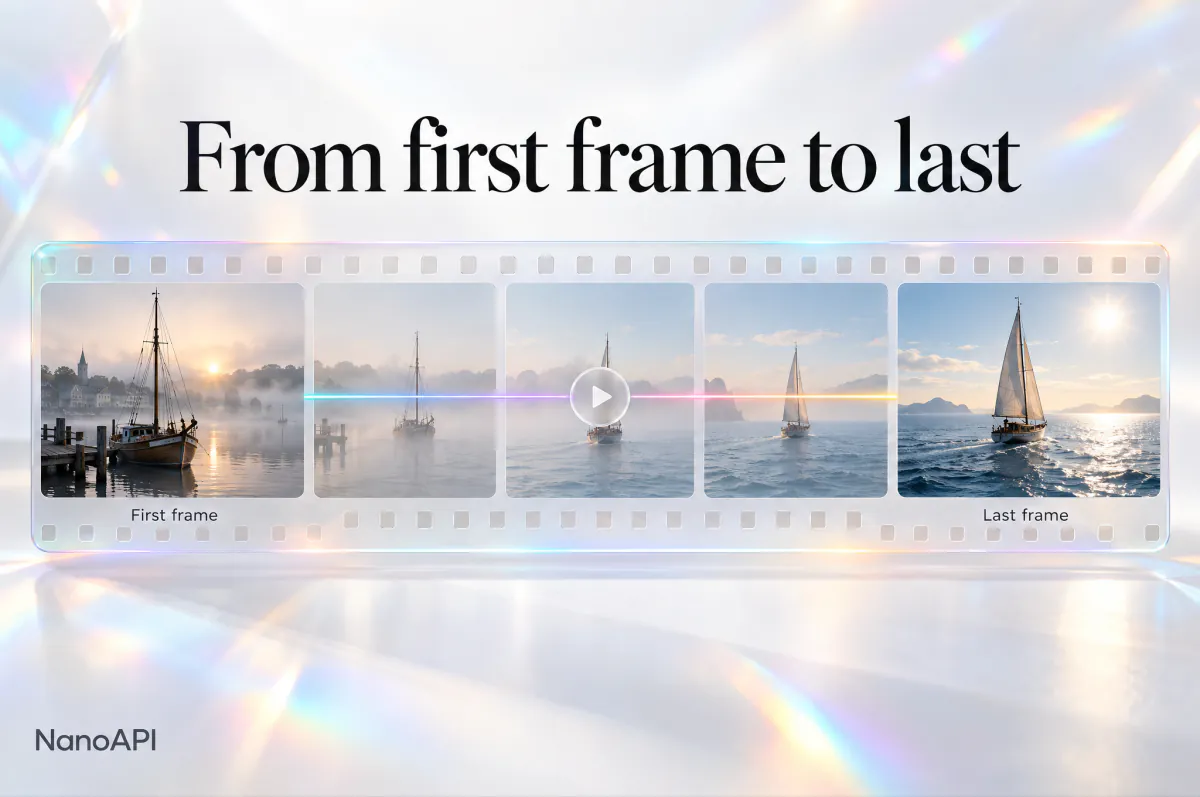
In image to video, your first image opens the shot and an optional second image closes it, and MAGI-2 generates the motion in between. Pick the aspect ratio that matches your first frame.
4–30 seconds, 6 aspect ratios
Set duration anywhere from 4 to 30 seconds and choose 21:9, 16:9, 4:3, 1:1, 3:4 or 9:16, for widescreen films, square posts and vertical shorts alike.
Built for webhooks
MAGI-2 takes its time to render: about 13 to 17 minutes for a 4-second video and up to about 20 minutes for 30 seconds. Pass a webhook_url and get the finished task once, instead of polling.
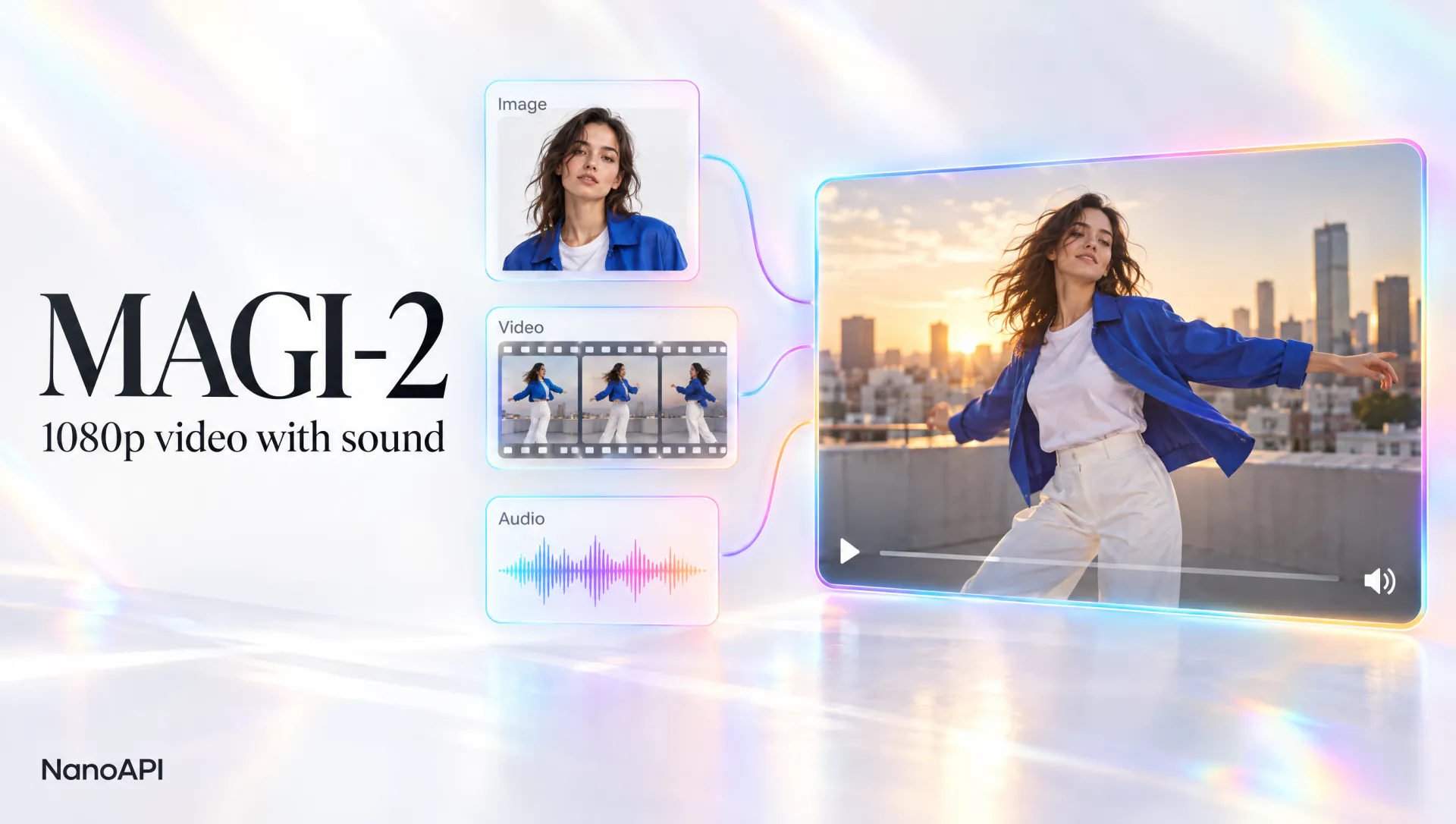
Overview
What Is MAGI-2?
- Model ID
magi-2.0- Modes
- 3
- Length
- 4–30s
- Resolution
- 1080p
- Aspect ratio
- 21:9 · 16:9 · 4:3 · 1:1 · 3:4 · 9:16
- References
- Up to 10 images · 5 videos · 5 audio files
- Sound
- On by default, can be turned off
- Prompt
- Up to 8000 characters
- Price
- From $0.078 / s
MAGI-2 is an AI video model that turns a prompt, a first and last frame, or a mix of reference images, video clips and audio into an MP4 of 4 to 30 seconds at 1080p and 25 frames per second, with sound by default. Prompts can run up to 8,000 characters and work best in English; they point at each file by type and order as @Image1, @Video1 or @Audio1.
On NanoAPI, MAGI-2 is one model with three modes. text_to_video generates from a prompt alone, image_to_video animates from a first frame (optionally with a last frame), and reference_to_video builds a new scene from up to 10 reference images, 5 reference videos and 5 audio files: the movement follows the reference video, the character and outfit come from the reference images. Every request uses the model value magi-2.0 and sends mode, prompt, resolution (1080p), aspect_ratio and duration; generate_audio is optional.
Use MAGI-2 online in the studio at the top of this page, then call the MAGI-2 API at https://api.nanoapi.ai/v1 from your own app. Both draw on the same prepaid balance at the same price per second, a failed generation is never charged, and finished videos are kept for 15 days, so save the ones you want to keep.
Examples
Made with MAGI-2
Real results from the MAGI-2 API, with the prompts that made them. Turn on the sound.
Text to video · 1080p · 16:9 · 8s with sound, generated with MAGI-2
Prompt:A golden retriever puppy bounds through shallow waves on a wide sandy beach at sunset, splashing water and chasing a red ball as it rolls in the foam, ears flopping. Low tracking shot at the puppy's eye level, slight slow motion, warm golden backlight, sparkling water droplets, photorealistic, cinematic color. Sound: waves rolling onto the sand, happy barks, paws splashing and distant seagulls.
Text to video · 1080p · 16:9 · 8s with sound, generated with MAGI-2
Prompt:In a dim glassblowing studio, an artisan in a leather apron lifts a glowing orange bulb of molten glass from the roaring furnace and slowly turns it on the long steel pipe, then gently blows into it as the bulb swells. Sparks drift through the warm air. The camera starts on a close-up of the molten glass and slowly pulls back to reveal the workshop. Warm firelight, deep shadows, shallow depth of field, cinematic, photorealistic. Sound: the low roar of the furnace, crackling glass, a soft hiss of steam and the clink of tools.
Modes
MAGI-2 Modes Compared
One endpoint, three modes: pick the one that matches what you start from. All three cost the same per second, and the aspect ratio is required in every mode.
| Mode | Input | Best for | 1080p / s |
|---|---|---|---|
Text to Videotext_to_video | A prompt (required) | Concept shots, B-roll and scenes you only have in words | $0.078 |
First and Last Frameimage_to_video | A first frame, an optional last frame and a prompt; pick the aspect ratio of the first frame | Animating a photo or artwork, or moving between a fixed start and end | $0.078 |
Reference to Videoreference_to_video | Up to 10 images, 5 videos (2–30 s each, 30 s in total) and 5 audio files (30 s in total), at least one; a prompt | Putting a character into a reference dance or movement, keeping a product consistent, scoring a scene to your track | $0.078 |
Live price per second. Cost = output length × price; the mode, aspect ratio, sound and reference files don't change the price. Failed runs are fully refunded.
How it works
How to Use the MAGI-2 API
- 1
Step 1: Get your API key
Sign in to NanoAPI with Google and create a key on the API Keys page of the console. The key authenticates every MAGI-2 API request, so keep it on your server.
- 2
Step 2: Top up your balance
Add funds on the Top up page of the console, from $10. The balance is prepaid in USD, never expires and is shared by every NanoAPI model and the studio above, so you can test prompts and references before you write code.
- 3
Step 3: Create a MAGI-2 video
Send POST /v1/tasks with model magi-2.0, a mode, your prompt, resolution 1080p, aspect_ratio and duration, plus your images, videos or audio for the mode you chose. The task is queued in under a second, and its cost is reserved within a few seconds.
- 4
Step 4: Get the result
Receive the finished task at your webhook_url, or poll GET /v1/tasks/{task_id} every 15 seconds or more. A MAGI-2 video takes about 13 to 20 minutes and comes back as a public 1080p MP4 URL with sound, plus a silent, compressed preview.
Why NanoAPI
Why Use the MAGI-2 API on NanoAPI
One API for every model
MAGI-2 uses the same POST /v1/tasks endpoint, task object and webhooks as every NanoAPI model, so adding it never means a new integration.
Pay per second of output
The cost is duration × the price per second, known before you submit. No subscription: top up from $10, and the balance never expires.
One price for every mode
Text, frames or references, any aspect ratio, sound on or off: the price per second stays the same, so a reference video or a soundtrack never costs extra.
Failed runs are free
Each task reserves its cost when it's created and is charged only when the video is ready. If a generation fails, even because a reference clip is too long or a file can't be downloaded, the full amount goes back to your balance.
Safe retries and spend limits
Send an Idempotency-Key and a resent request returns the task it already created instead of charging twice. Cap each key's hourly, daily or total spending in the console.
Try online, then integrate
The studio on this page runs the same MAGI-2 model at the same price, so what you test is what your users get. The docs also come as one llms.txt file for AI coding assistants, and the public status page shows each model's success rate.
Use cases
What You Can Build With the MAGI-2 API
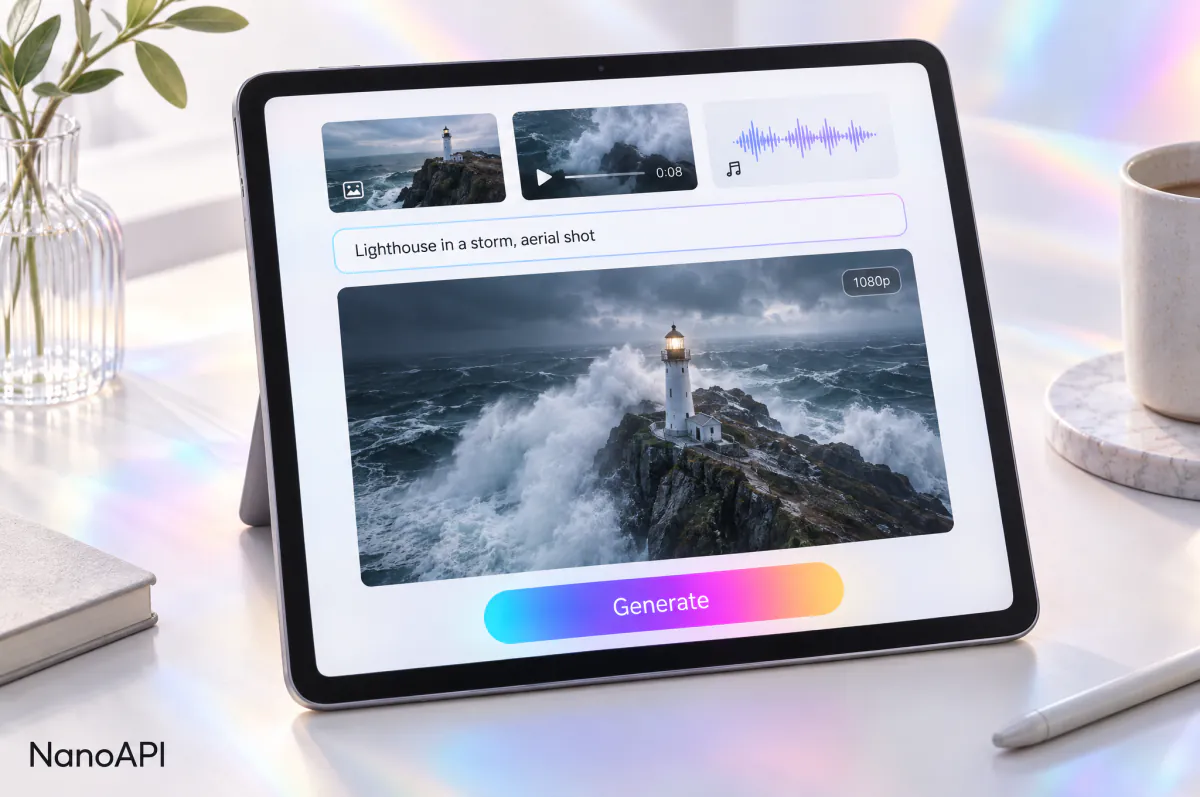
AI video generator apps
Turn prompts, photos and uploads into finished 1080p clips with sound in your own MAGI-2 video generator, creative tool or content platform.
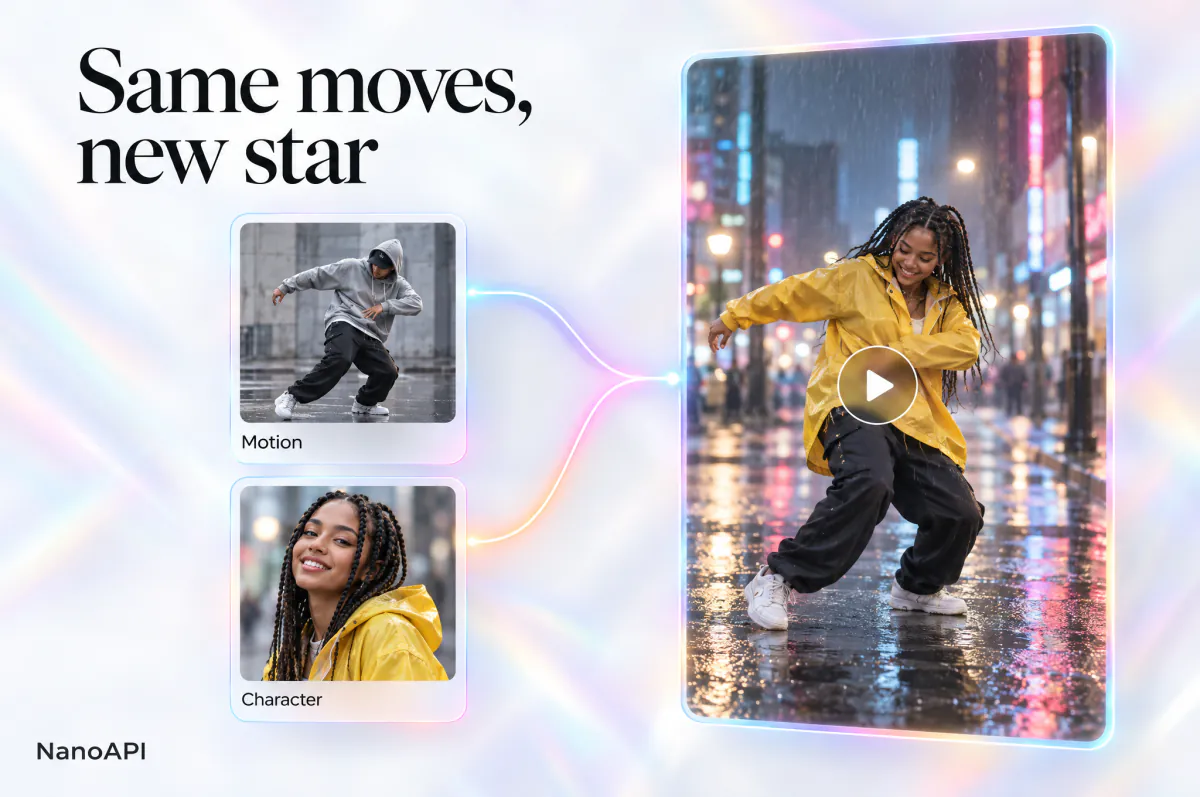
Dance and motion remakes
Send a reference clip and a photo: MAGI-2 copies the moves pose by pose and puts your character in a new scene, for trend remakes, fan edits and creator tools.
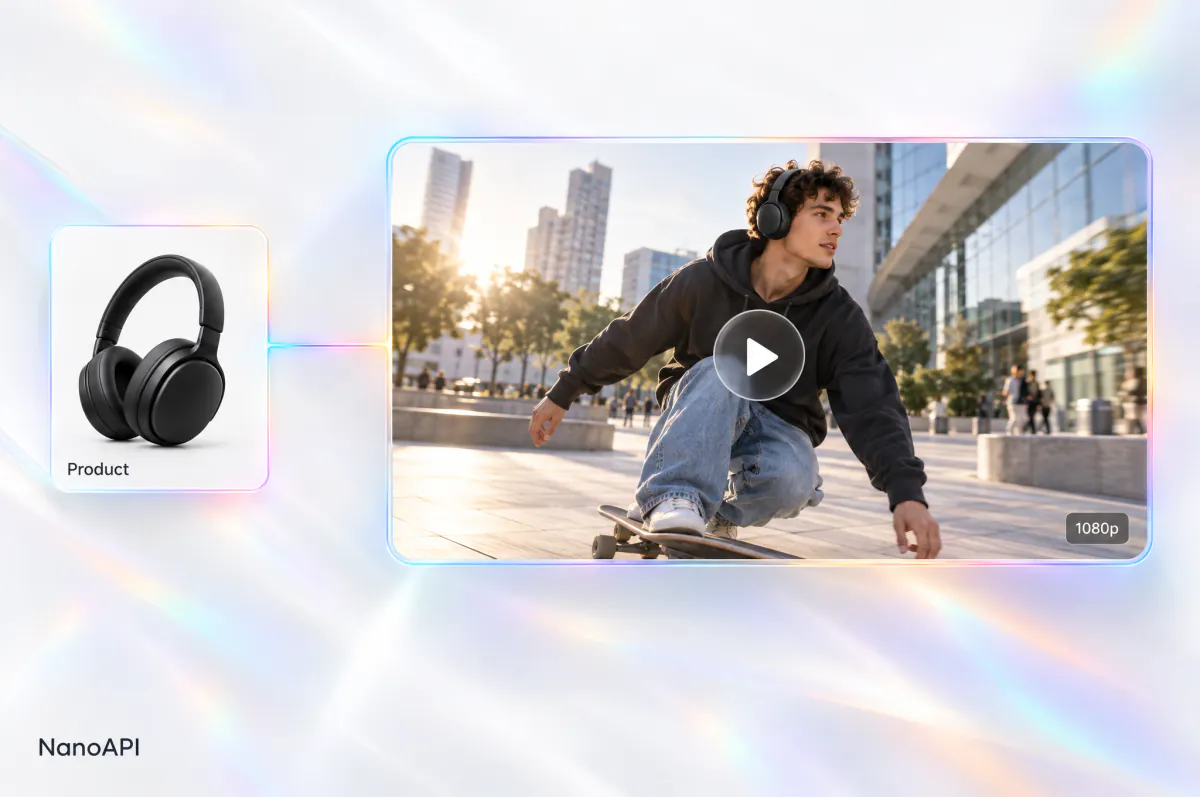
Ads and product videos
Put a product from your reference images into a lifestyle scene at 1080p, in widescreen for ads or vertical for social, with the sound already in.
Music and audio-led clips
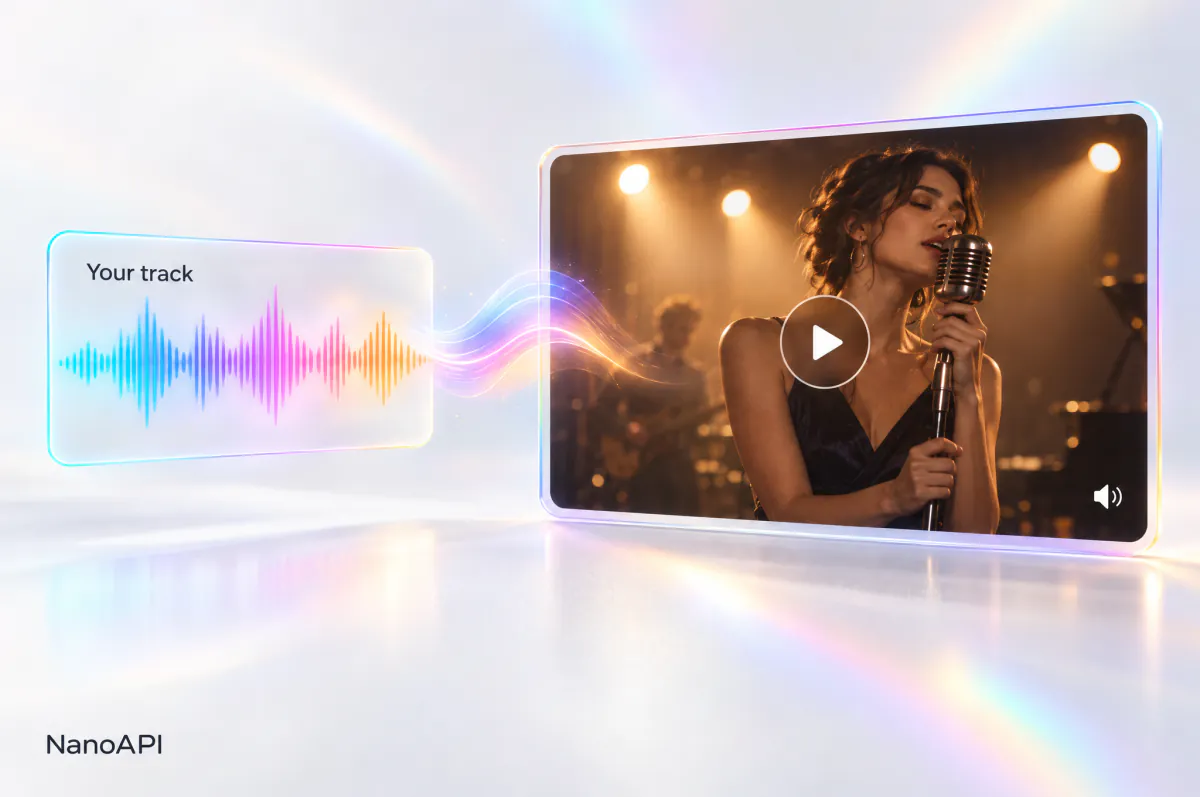
Send a track as reference audio and build the video around it, for music promos, performances and branded sound. Audio alone is enough to start.
Short films and stories
Fix the opening and closing shots with a first and last frame and let MAGI-2 tell the moment in between, up to 30 seconds per shot.
Automated video pipelines
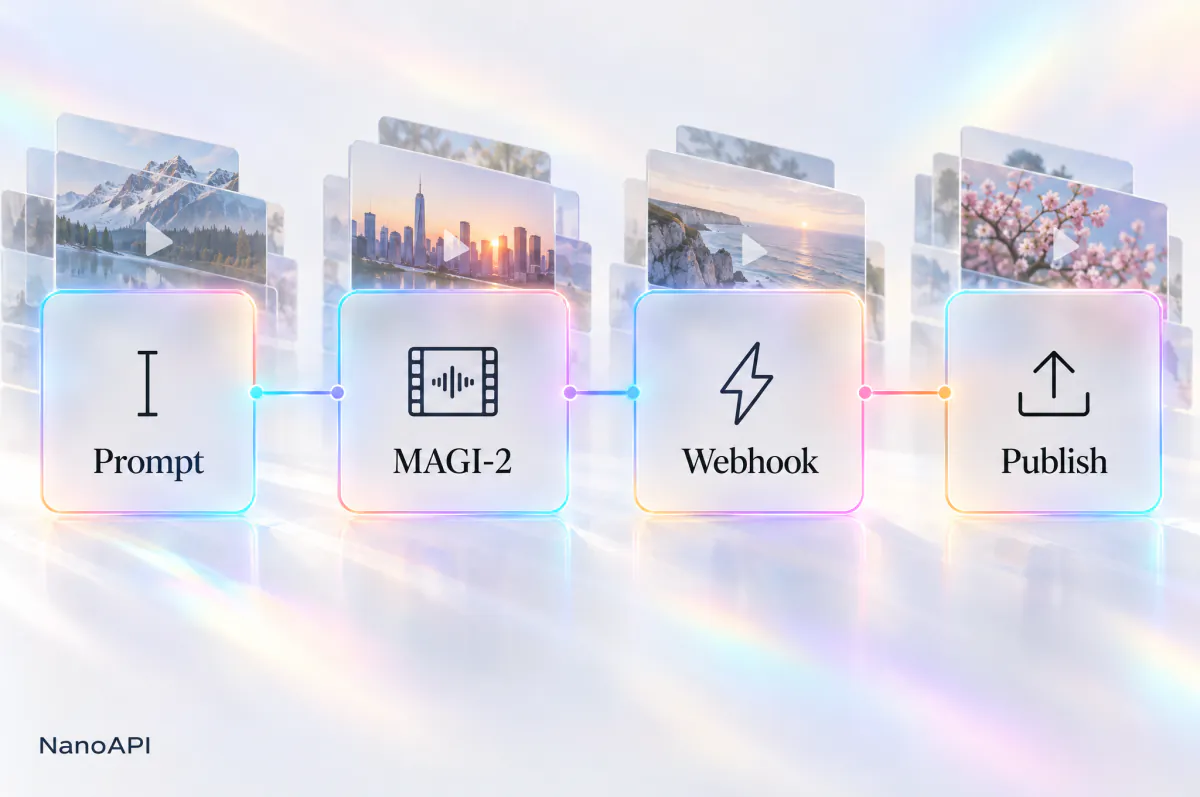
Connect the MAGI-2 API to agents and content pipelines: create tasks in bulk, get each result by webhook when it's rendered and publish without manual steps.
FAQ
MAGI-2 API FAQ
Can’t find what you need? Write to us.
01What is the MAGI-2 API?
The MAGI-2 API lets your app generate 1080p videos with sound using the MAGI-2 model over HTTP. You send POST /v1/tasks with model magi-2.0 and one of three modes (text_to_video, image_to_video or reference_to_video), then get the finished video by webhook or by polling.
02How much does the MAGI-2 API cost?
You pay per second of the video you ask for: duration × the price per second at 1080p. All three modes cost the same, and the aspect ratio, sound and reference files don't change the price. The live price is in the table above, on the pricing page and in GET /v1/products, and the studio shows the exact cost before you generate. Failed runs are not charged.
03How long does a MAGI-2 video take?
MAGI-2 renders slowly: a 4-second video takes about 13 to 17 minutes, and a 30-second one up to about 20 minutes. Try a short duration first. In production, pass a webhook_url to be notified once when the task finishes; if you poll, wait 15 seconds or more between requests and don't treat a long wait as a failure. In the studio you can leave the page: the result shows up in History.
04Can I try MAGI-2 online before integrating?
Yes. Sign in and use the studio at the top of this page: it runs the same MAGI-2 model at the same price as the API and draws on the same balance, so you can check results and costs before writing code. Top-ups start at $10.
05Which durations, resolutions and aspect ratios are supported?
From 4 to 30 seconds, set in whole seconds with duration, always at 1080p (send resolution 1080p). aspect_ratio is required in every mode: 21:9, 16:9, 4:3, 1:1, 3:4 or 9:16, with no auto; in image to video, pick the ratio of your first frame. mode, prompt, resolution, aspect_ratio and duration are required on every request.
06How do reference images, videos and audio work?
In reference to video, send up to 10 image_urls, up to 5 video_urls (each 2–30 seconds, 30 seconds in total) and up to 5 audio_urls (30 seconds in total). Send at least one kind; audio alone works. Name each file in the prompt by type and order, for example "The person from @Image1, copying the movements in @Video1". The movement follows the reference video, the character and outfit come from the images, and the scene is generated.
07Does MAGI-2 generate audio?
Yes. Videos come with sound unless you set generate_audio to false, and the price is the same either way. The video with sound is at outputs[].url, and preview_url is a silent, compressed copy 600 pixels wide for previews. In reference to video, a reference clip without sound usually gives a video with little sound.
08What if a MAGI-2 generation fails?
The amount reserved for it goes back to your balance in full. The task's error.type tells you why and error.message explains it in plain English, for example a reference video shorter than 2 seconds, reference audio over 30 seconds or a file that can't be downloaded. Files are read when the video is generated, so these problems show up then. Finished videos are kept for 15 days.
Start Creating With MAGI-2
Try MAGI-2 in the studio above, then bring the same model into your product with the MAGI-2 API.