AI Video Translation API : Translate and Dub Videos With Lip Sync
Send a clip, pick one of 18 languages and get it back dubbed in that language, with the speaker's lips redrawn to match. Try it right here, then call the same model from your product with one key and one balance.
- One video, up to 30 seconds
- 18 target languages, lip sync
- Priced per frame of the source
- Same model through the API
Features
Key AI Video Translation API Features
18 target languages
Translate a video to English, Chinese (Mandarin), Spanish, Japanese, Hindi, Arabic and 12 more languages, one per task. The source language is detected automatically.
Lips matched to the new speech
The speaker's mouth is redrawn so the lips follow the translated speech, while the rest of the picture stays as it was shot.
Dubbed with a new voice
What's said is translated and voiced with a newly generated voice in the target language, and that voice-over becomes the clip's audio track.
Same size, frame rate and length
The result is an mp4 (h264 + AAC) with the source's size, frame rate and length, ready to go wherever the original did.
Clips up to 30 seconds
Source videos can run up to 30 seconds and work best with one speaker whose face is clear and turned to the camera. A clip that can't be read or runs longer fails within seconds with nothing charged.
Priced per frame
The price is per frame of the source video and the same for every language, so a 60 fps clip costs twice the same clip at 30 fps. It's worked out from your clip within seconds and reserved before the work starts.
Overview
What Is the AI Video Translation API?
- Model ID
video-translate- Input
- One video
- Resolution
- Same as the source video
- Target languages
- 18 languages
- Video length
- Up to 30 s
- Price
- $0.00468 per frame
AI video translation turns a clip recorded in one language into the same clip in another. Plain dubbing leaves the lips moving to the old words; AI dubbing with lip sync translates what's said, voices it in the target language and redraws the speaker's mouth to match, so the new words and the picture line up.
The AI Video Translation API does this over HTTP. On NanoAPI it's the model video-translate of the product video_translate: send video_url and target_language, a two-letter code such as en, es or ja (Filipino is tl), and get back one mp4 with the source's size, frame rate and length. The source language is detected automatically, only the speaker's mouth is redrawn, and the audio track becomes the translated voice-over.
Pricing follows the source video: a price per frame, the same for every target language, so the cost depends on the clip's length and frame rate. Within a few seconds of creation NanoAPI reads the clip, works out the amount and reserves it, and the charge after success is never higher. A task that fails is refunded in full.
A 5-second clip takes about 2.5 to 3 minutes, so let a webhook tell you when it's done. Try it in the studio at the top of this page, then call the AI Video Translation API at https://api.nanoapi.ai/v1 from your own app, with the same API key and prepaid balance as every NanoAPI model.
Pricing
AI Video Translation API Pricing
A price per frame of the source video, the same for every target language: a higher frame rate means more frames and a higher cost. The amount is reserved within seconds of creating the task, and a failed task is refunded in full.
$0.00468 per frame
| Frame rate | Per second | 10 s video |
|---|---|---|
| 24 fps | $0.11232 | $1.131 |
| 30 fps | $0.1404 | $1.404 |
| 60 fps | $0.2808 | $2.808 |
cost = price per frame × source video frames (rounded up), the same for every language; a higher frame rate costs more
The playground shows an estimate (frame-priced rows count frames at 30 fps); the exact amount is frozen a few seconds after the task is created, once the source video has been read
How it works
How to Use the AI Video Translation API
- 1
Step 1: Get your API key
Sign in to NanoAPI with Google and create a key on the API Keys page of the console. It authenticates every request, so keep it on your server.
- 2
Step 2: Top up your balance
Add funds on the Top up page of the console. The balance is prepaid in USD, never expires and is shared by every NanoAPI model, image and video alike.
- 3
Step 3: Create a task
Send POST /v1/tasks with model video-translate, video_url (a public http(s) link to a clip of up to 30 seconds) and target_language, a two-letter code such as en, es or ja. Both are required; for several languages, create one task per language.
- 4
Step 4: Get the video
Receive the finished task once at your webhook_url, or poll GET /v1/tasks/{task_id} every 15 seconds or more. A 5-second clip takes about 2.5 to 3 minutes. The video is at outputs[].url and is kept for 15 days.
Why NanoAPI
Why Use the AI Video Translation API on NanoAPI
One key, every model
Generate a clip with Seedance 2.5 or Veo 3.1, translate it for each market and reframe it for each platform, all with the same API key and balance through POST /v1/tasks.
Nothing charged for bad input
A clip that can't be read or runs over 30 seconds fails within seconds with nothing charged; a later failure is refunded in full.
Webhooks or polling
Pass a webhook_url and receive the finished task once, signed to the Standard Webhooks spec (verifying is optional), or poll one task or a batch of task ids.
Safe retries and spend limits
Send an Idempotency-Key and a resent request returns the task it already created instead of charging twice. Cap each key's hourly, daily or total spending in the console.
A console for every request
See each request with its status, input, cost and result, your daily usage by product and every movement of your balance, and manage keys and the webhook secret.
Try online, then integrate
The studio on this page runs the same model at the same prices, so you can translate your own clips before writing code. The docs also come as one llms.txt file for AI coding assistants.
Use cases
What You Can Build With the AI Video Translation API
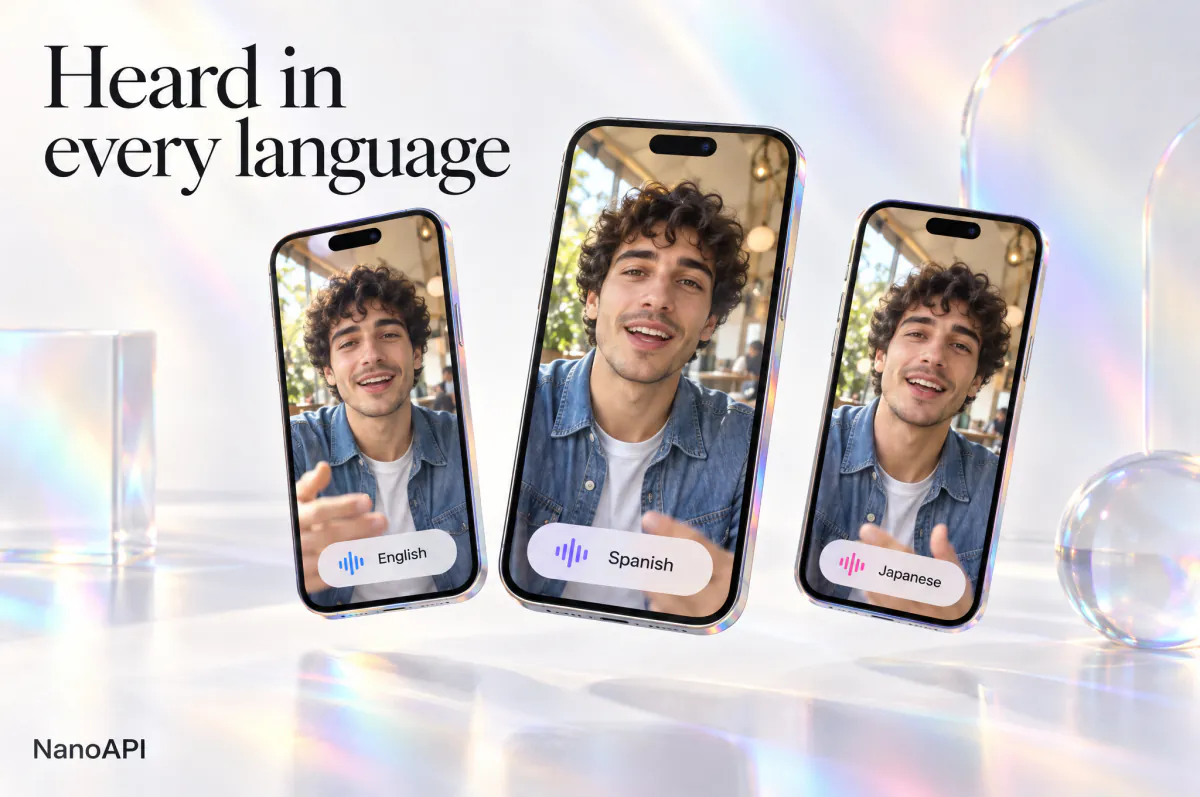
Shorts for new audiences
Translate talking-head shorts, reels and creator intros so viewers hear them in their own language, with the lips in sync.

One ad in every language
Run the same spokesperson ad or product demo in English, Spanish, German or Japanese: one task per language, the picture unchanged.

Lessons and explainers
Bring course previews, quick tips and how-to clips to learners in Hindi, Indonesian, Portuguese and more.
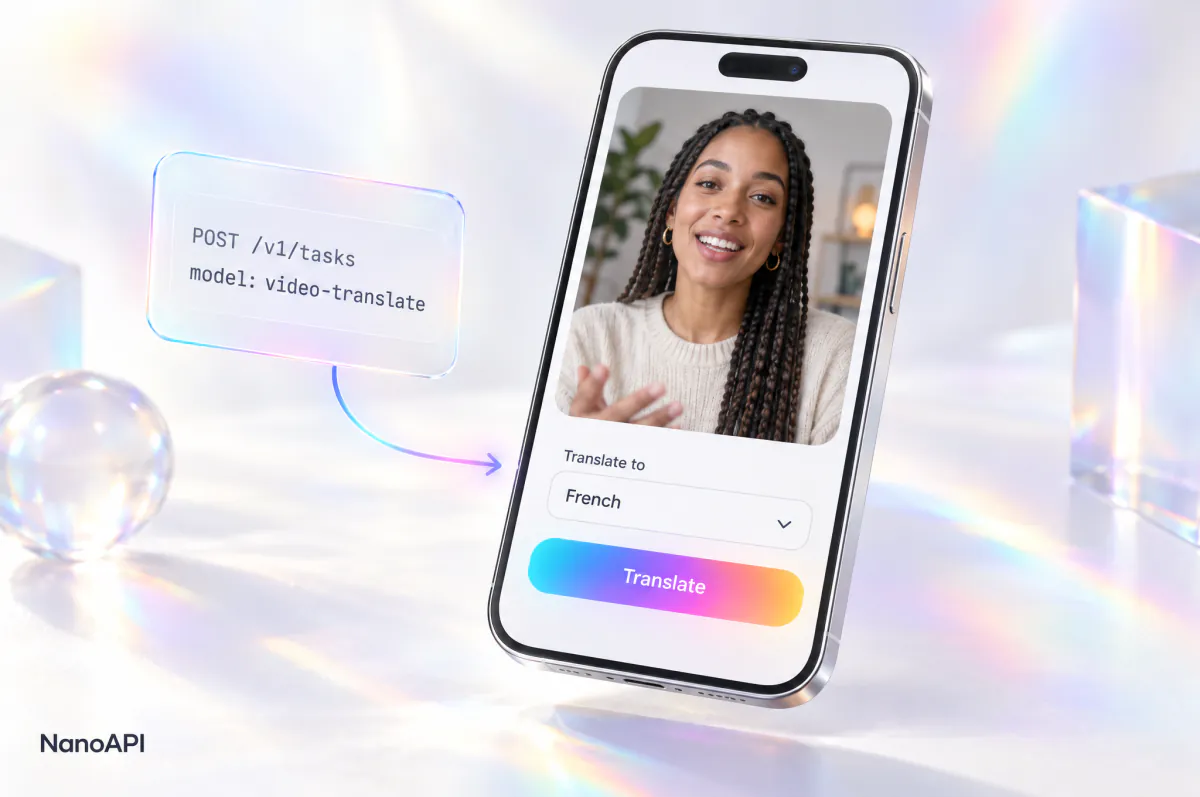
Translation inside your app
Let users pick a language and get their clip back dubbed and lip-synced. Your server calls the AI Video Translation API once per language and receives the result by webhook.
FAQ
AI Video Translation API FAQ
Can’t find what you need? Write to us.
01What is the AI Video Translation API?
An HTTP API that translates the speech in a video into another language, dubs it with a newly generated voice and redraws the speaker's lips to match. On NanoAPI you send POST /v1/tasks with model video-translate, a video_url and a target_language, and get one mp4 back by webhook or by polling.
02How much does video translation cost?
A price per frame of the source video, the same for every target language, so the cost follows the clip's length and frame rate: a 60 fps clip costs twice the same clip at 30 fps. The amount is reserved within seconds of creation and the final charge is never higher. Live prices are in the table above, on the pricing page and in GET /v1/products.
03Which languages can I translate a video into?
18: English (en), Chinese (Mandarin, zh), French (fr), Hindi (hi), Italian (it), Japanese (ja), Korean (ko), Portuguese (pt), Russian (ru), Turkish (tr), Spanish (es), German (de), Arabic (ar), Polish (pl), Indonesian (id), Filipino (tl), Swedish (sv) and Finnish (fi). Codes are lowercase with no region: zh, not zh-CN. The source language is detected automatically. Each task translates into one language; for several, create one task per target_language.
04What kind of video works best?
A clip of up to 30 seconds with one speaker whose face is clear and turned towards the camera. Send it as video_url, a public http(s) link to the file.
05What does the translated video look like?
An mp4 (h264 + AAC) with the same size, frame rate and length as the source. Only the speaker's mouth is redrawn to follow the new speech and the rest of the picture is unchanged; the audio track is the translated voice-over in a newly generated voice. The file is kept for 15 days.
06How long does video translation take?
A 5-second clip takes about 2.5 to 3 minutes. Pass a webhook_url so your app is told when the video is ready instead of polling the whole time.
07What if my video can't be used?
NanoAPI reads the source within a few seconds of creation. If it can't be downloaded or read, the task fails with invalid_media; if it's longer than 30 seconds, with video_too_long. In both cases nothing is charged, and a failure later on is refunded in full.
08Can I try it online before integrating?
Yes. Sign in with Google and use the studio at the top of this page: it runs the same model at the same prices as the AI Video Translation API and draws on the same balance, so you can check results and costs before you write any code.
Start Using the AI Video Translation API
Translate a clip in the studio above, then bring the same AI video translation into your product with a single API call.