Wan 3.0 API : Turn Text, Frames and References Into AI Videos up to 30 Seconds
Try Wan 3.0 online right here: write a prompt, add a first and last frame, or bring reference images, videos and audio, and get a video of 2 to 30 seconds with sound, up to 1080p. Then call the same model from your product through the Wan 3.0 API, with one key and one balance.
- Three modes
- Videos with sound
- Billed by output length
- Open Wan 3.0 API
Features
Key Wan 3.0 API Capabilities
Three ways to create with Wan 3.0
The Wan 3.0 API covers text to video, image to video (first and last frame) and reference to video through one endpoint, POST /v1/tasks. Change the mode parameter and keep the rest of your integration as it is.
Video and sound in one pass
Wan 3.0 generates the sound together with the picture, so a clip is ready to post without a separate audio step. Set generate_audio to false when you only need the picture; the price per second stays the same.
2–30 seconds, 3 resolutions, 5 aspect ratios
Set duration anywhere from 2 to 30 seconds, render at 480p, 720p or 1080p, and choose 16:9, 9:16, 1:1, 4:3 or 3:4. Image to video follows your first frame, and reference to video can follow your references with auto.
Images, videos and audio as references
Reference to video takes up to 10 images, 5 video clips and 5 MP3 or WAV files in any mix, even audio alone. Name each one in your prompt to place a character, follow a camera move or set the soundtrack.
First frame and last frame
In image to video, your first image opens the shot and an optional second image closes it, and Wan 3.0 generates the motion in between. Use two landscape or two portrait images so the start and the end match.
Thinking for detailed prompts
Turn on enable_thinking and Wan 3.0 reasons about your prompt before it generates, so the video follows a detailed description more closely. It takes longer, so use it when the prompt matters more than the wait.
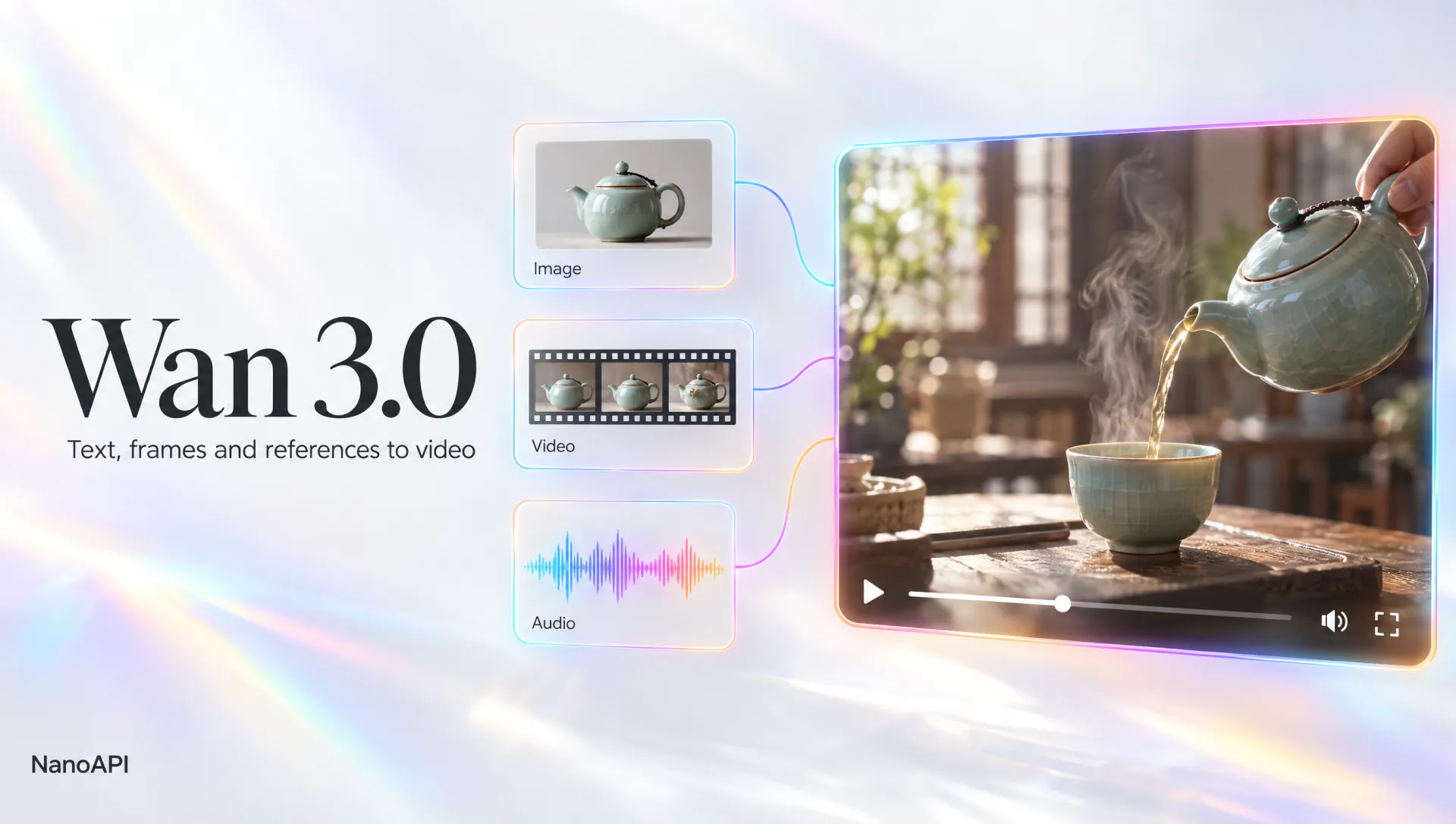
Overview
What Is Wan 3.0?
- Model ID
wan-3.0- Versions
standard · prime- Modes
- 3
- Length
- 2–30s
- Resolution
- 480p / 720p / 1080p
- Aspect ratio
- auto · 16:9 · 9:16 · 1:1 · 4:3 · 3:4
- References
- Up to 10 images · 5 videos · 5 audio files
- Sound
- On by default, can be turned off
- Prompt
- Up to 8000 characters
- Price
- From $0.039 / s
Wan 3.0 is an AI video model that creates the picture and the sound together. Give it a prompt, a first and last frame, or a mix of reference images, video clips and audio, and it returns an MP4 of 2 to 30 seconds at 480p, 720p or 1080p, at 30 frames per second. Prompts can run up to 8,000 characters and work best in English. In the Wan 3.0 API they point at each file as <<<image_1>>>, <<<video_1>>> or <<<audio_1>>>; in the studio above you type @Image1, @Video1 or @Audio1.
On NanoAPI, Wan 3.0 is one model with three modes and two versions. text_to_video generates from a prompt alone, image_to_video animates from a first frame (optionally with a last frame) and follows its aspect ratio, and reference_to_video builds a new scene from up to 10 reference images, 5 reference videos and 5 audio files. The variant parameter picks the version, standard or prime: both take the same parameters, and prime is the higher tier at a higher price. Every request uses the model value wan-3.0 and sends variant, mode, prompt, resolution and duration, plus aspect_ratio in text to video and reference to video.
Use Wan 3.0 online in the studio at the top of this page, then call the Wan 3.0 API at https://api.nanoapi.ai/v1 from your own app. Both draw on the same prepaid balance at the same per-second prices, a failed generation is never charged, and finished videos are kept for 15 days, so save the ones you want to keep.
Modes
Wan 3.0 Modes Compared
One endpoint, three modes: pick the one that matches what you start from. All three cost the same per second; the price depends only on the version and resolution.
| Mode | Input | Best for |
|---|---|---|
Text to Videotext_to_video | A prompt (required) | Concept shots, B-roll and scenes you only have in words |
Image to Videoimage_to_video | A first frame, an optional last frame and a prompt; the aspect ratio follows the first frame | Animating a photo or artwork, or moving between a fixed start and end |
Reference to Videoreference_to_video | Up to 10 images, 5 videos (1–15 s each, 15 s in total) and 5 audio files (15 s in total), at least one; a prompt | Keeping a character or product consistent, following a camera move, scoring a scene to your track |
Pricing
Wan 3.0 API Pricing
Priced per second of the video you ask for, by version and resolution: all three modes cost the same, and neither sound nor reference media change the price.
| Version | 480p / s | 720p / s | 1080p / s |
|---|---|---|---|
Standardstandard | $0.039 | $0.06825 | $0.1365 |
Primeprime | $0.0585 | $0.117 | $0.234 |
Live prices per second for each version. Cost = output length × price; every mode, reference media and sound on or off cost the same. Failed runs are fully refunded.
How it works
How to Use the Wan 3.0 API
- 1
Step 1: Get your API key
Sign in to NanoAPI with Google and create a key on the API Keys page of the console. The key authenticates every Wan 3.0 API request, so keep it on your server.
- 2
Step 2: Top up your balance
Add funds on the Top up page of the console, from $10. The balance is prepaid in USD, never expires and is shared by every NanoAPI model and the studio above, so you can test prompts and references before you write code.
- 3
Step 3: Create a Wan 3.0 video
Send POST /v1/tasks with model wan-3.0, a variant (standard or prime), a mode, your prompt, resolution and duration, plus aspect_ratio in text to video and reference to video and your images, videos or audio. The task is queued in under a second, and its cost is reserved within a few seconds.
- 4
Step 4: Get the result
Receive the finished task at your webhook_url or poll GET /v1/tasks/{task_id}. A Wan 3.0 video usually takes 1 to 5 minutes and comes back as a public MP4 URL with sound, plus a silent, compressed preview.
Why NanoAPI
Why Use the Wan 3.0 API on NanoAPI
One API for every model
The Wan 3.0 API uses the same POST /v1/tasks endpoint, task object and webhooks as every NanoAPI model, so a new version, mode or model never means a new integration.
Pay per second of output
The cost is duration × the price per second of the version and resolution, known before you submit. No subscription: top up from $10, and the balance never expires.
Sound and references cost nothing extra
Turning generate_audio on or off doesn't change the price, and neither do reference images, videos or audio. All three modes share one price per second.
Failed runs are free
Each task reserves its cost when it's created and is charged only when the video is ready. If a generation fails, even because a file can't be downloaded or a reference clip is too long, the full amount goes back to your balance.
Safe retries and spend limits
Send an Idempotency-Key and a resent request returns the task it already created instead of charging twice. Cap each key's hourly, daily or total spending in the console.
Try online, then integrate
The studio on this page runs the same Wan 3.0 model at the same prices, so what you test is what your users get. The docs also come as one llms.txt file for AI coding assistants, and the public status page shows each model's success rate.
Use cases
What You Can Build With the Wan 3.0 API
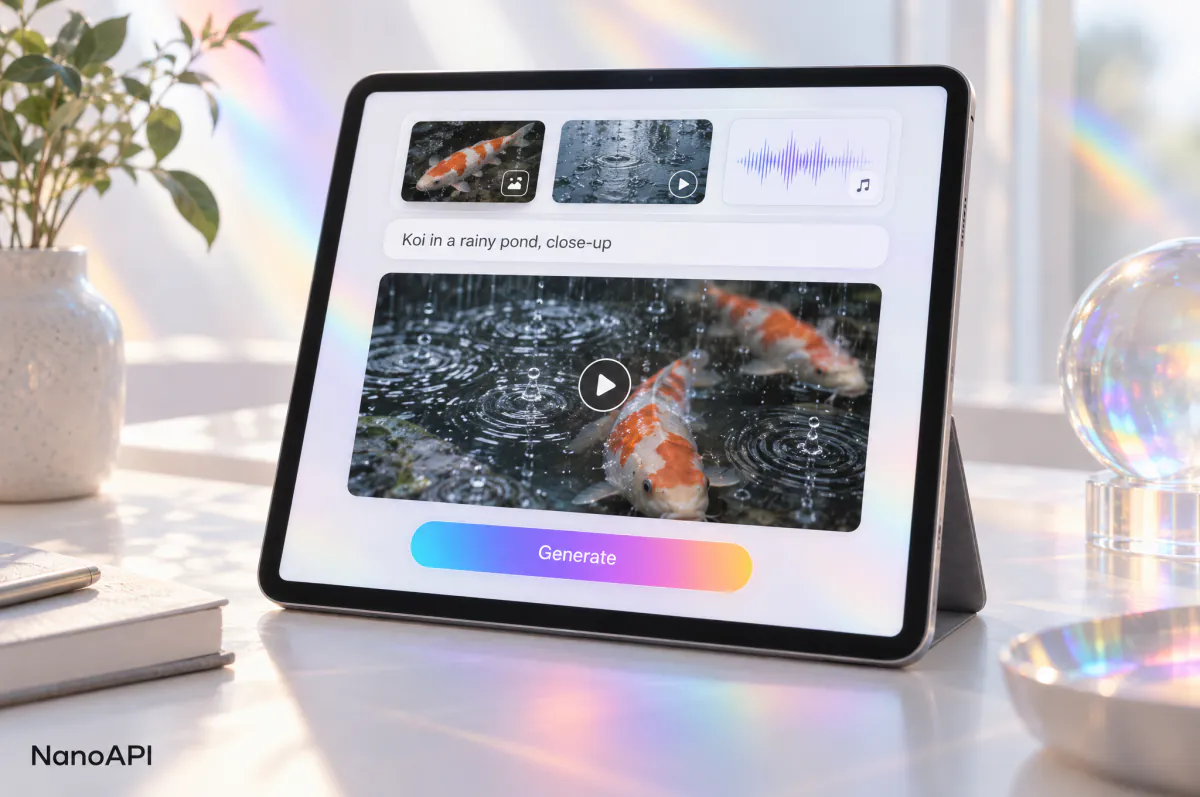
AI video generator apps
Turn prompts, photos and uploads into finished clips with sound in your own Wan 3.0 video generator, creative tool or content platform built on the Wan 3.0 API.
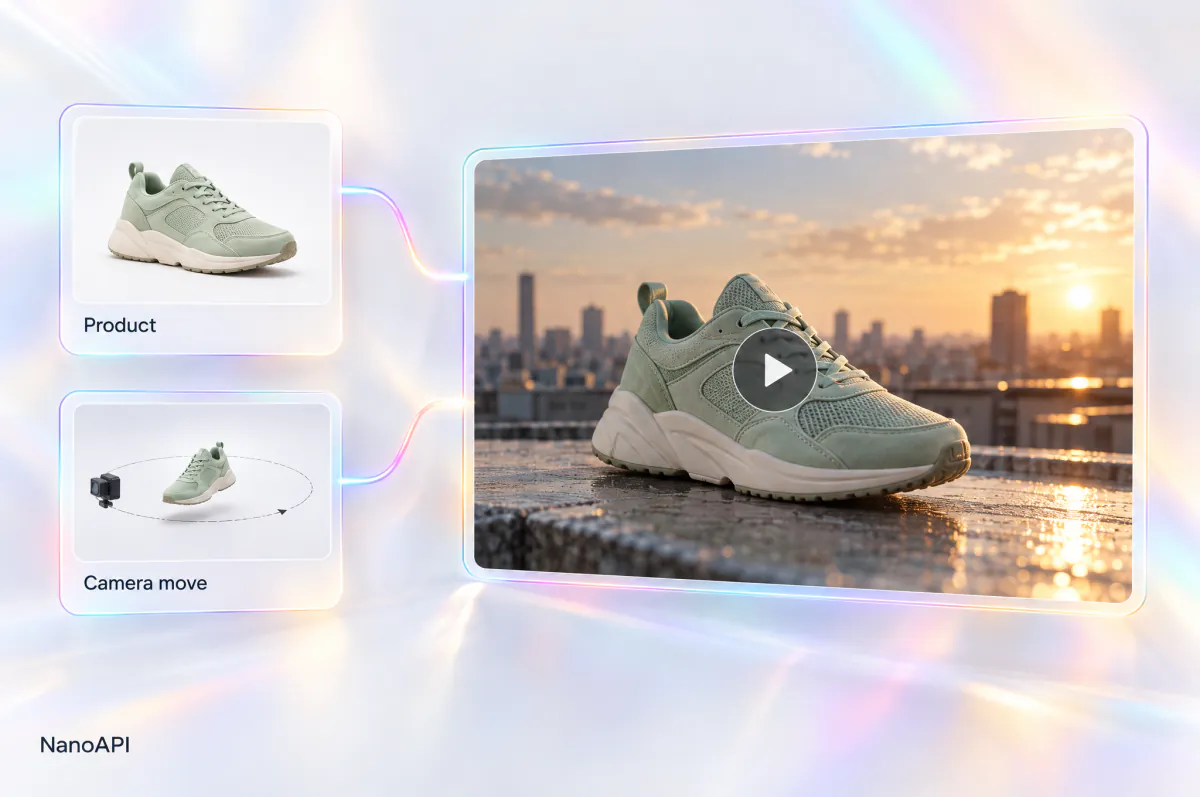
Ads and product videos
Put a product from your reference images into a new scene, follow the camera move of a reference clip and play your brand track, all in one request.
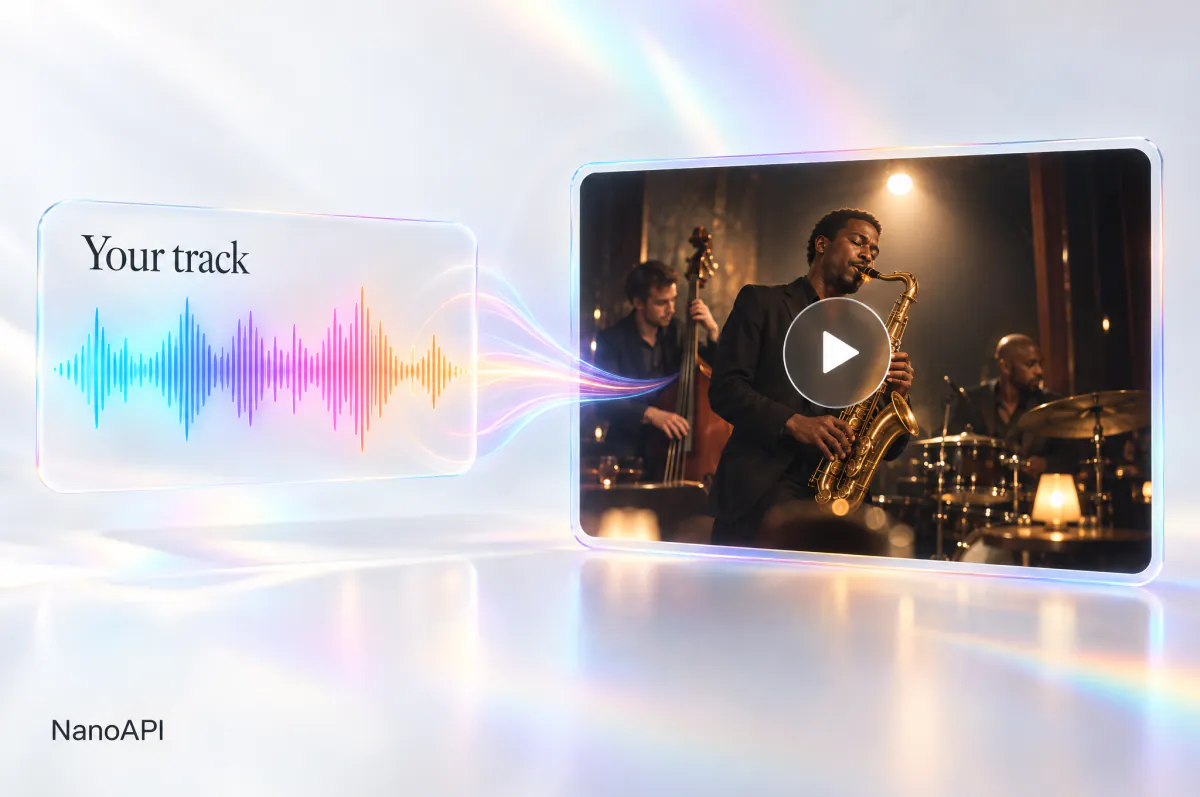
Music and audio-led clips
Send a track as reference audio and use it as the sound of a new video, for music promos, audio ads and branded sound. Audio alone is enough to start.
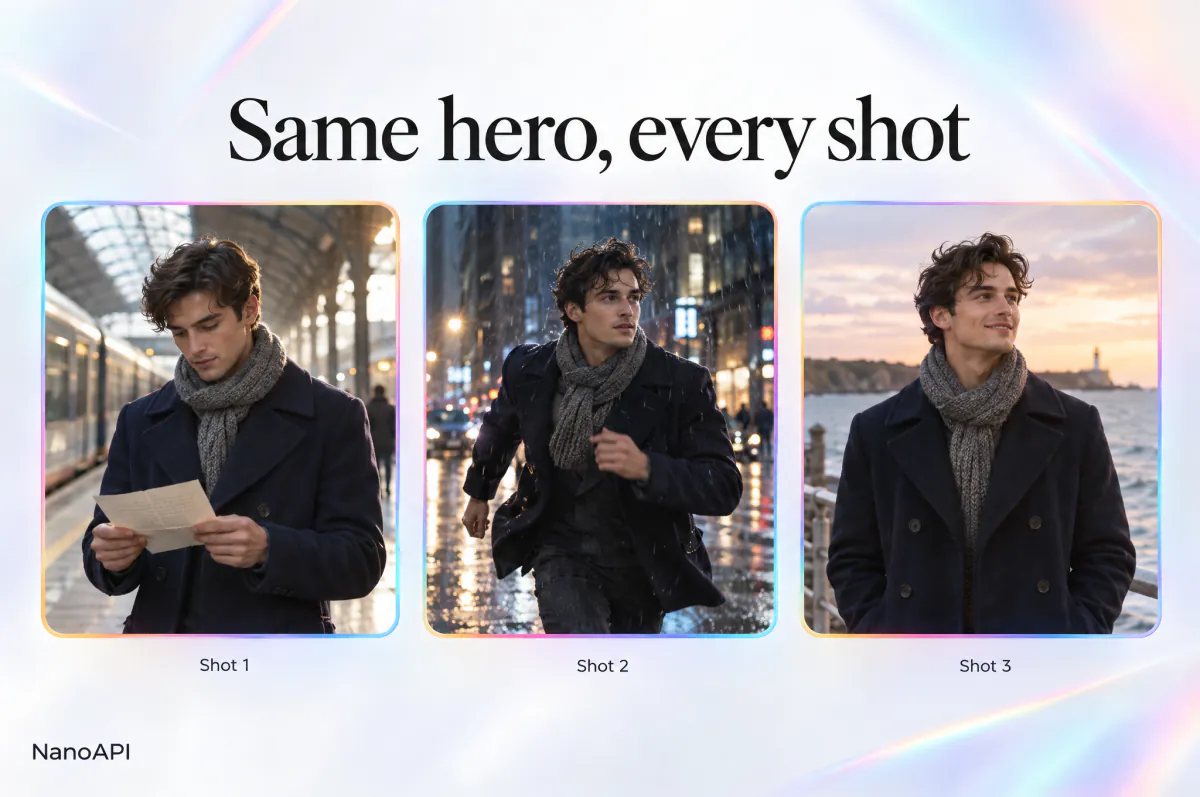
Short dramas and stories
Keep a character consistent across shots with reference images, and tell a full beat in up to 30 seconds per shot.
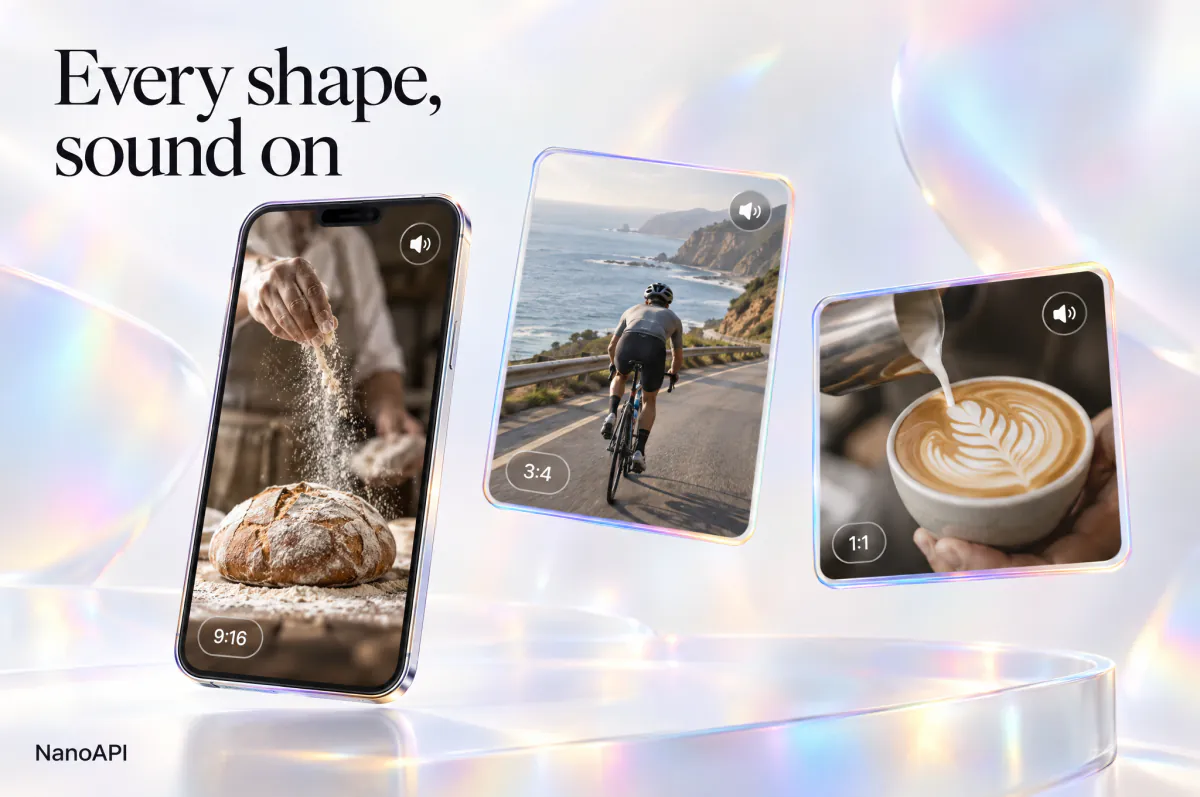
Social media content
Create vertical 9:16 or 3:4 videos for TikTok, Reels and Shorts, or square 1:1 posts, with the sound already in, straight from your scheduling or creator tools.
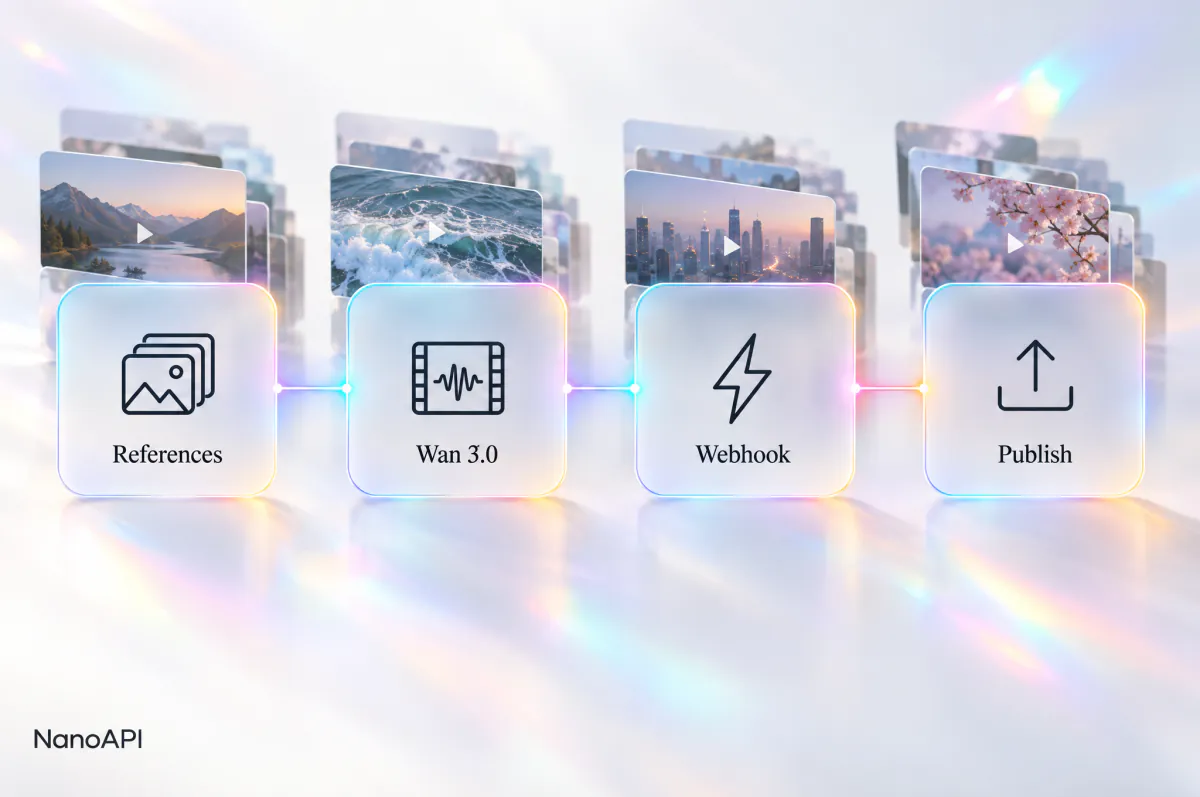
Automated video pipelines
Connect the Wan 3.0 API to agents and content pipelines: create tasks in bulk, get the results by webhook and publish without manual steps.
FAQ
Wan 3.0 API FAQ
Can’t find what you need? Write to us.
01What is the Wan 3.0 API?
The Wan 3.0 API lets your app generate videos with sound using the Wan 3.0 model over HTTP. On NanoAPI you send POST /v1/tasks with model wan-3.0, a version (standard or prime) and one of three modes (text_to_video, image_to_video or reference_to_video), then get the finished video by webhook or by polling.
02How much does the Wan 3.0 API cost?
You pay per second of the video you ask for: duration × the price per second of the version and resolution, and prime costs more than standard. All three modes cost the same, and reference images, videos, audio and generated sound don't change the price. The live prices are in the table above, on the pricing page and in GET /v1/products, and the studio shows the exact cost before you generate. Failed runs are not charged.
03What's the difference between standard and prime?
Both versions take exactly the same modes and parameters; prime is the higher tier and costs more per second. Try the same prompt with both in the studio above to see which one fits your use, then set variant in your API requests.
04Can I try Wan 3.0 online before integrating?
Yes. Sign in and use the studio at the top of this page: it runs the same Wan 3.0 model at the same prices as the API and draws on the same balance, so you can check results and costs before writing code. Top-ups start at $10.
05How long can Wan 3.0 videos be, and which resolutions and aspect ratios are supported?
From 2 to 30 seconds, set in whole seconds with duration, at 480p, 720p or 1080p. Text to video takes 16:9, 9:16, 1:1, 4:3 or 3:4; reference to video takes the same or auto, which follows your reference images and videos (16:9 with audio only); image to video takes no aspect_ratio and follows the first frame. variant, mode, prompt, resolution and duration are required on every request.
06How do reference images, videos and audio work?
In reference to video, send up to 10 image_urls, up to 5 video_urls (each 1–15 seconds, 15 seconds in total, and together with duration at most 30 seconds) and up to 5 MP3 or WAV audio_urls (15 seconds in total). Send at least one kind; audio alone works. In the prompt, refer to each file by type and order as <<<image_1>>>, <<<video_1>>> or <<<audio_1>>> to say which character appears, which camera move to follow or which track to play.
07Does Wan 3.0 generate audio, and what does enable_thinking do?
Videos come with generated sound unless you set generate_audio to false, and the price is the same either way. The video with sound is at outputs[].url, and preview_url is a compressed copy without sound. enable_thinking is optional: set it to true and the model reasons about your prompt before generating, so the video follows it more closely, but the task takes longer.
08How long does a Wan 3.0 video take, and what if it fails?
Most videos take 1 to 5 minutes; higher resolutions, longer videos and enable_thinking take longer. In production, pass a webhook_url to be notified once when the task finishes instead of polling. If a generation fails, the amount reserved for it goes back to your balance in full, and the task's error.type tells you why, for example a file that can't be downloaded or a reference video longer than 15 seconds. Finished videos are kept for 15 days.
Start Creating With Wan 3.0
Try Wan 3.0 in the studio above, then bring the same model into your product with the Wan 3.0 API.