Nano Banana 2.1 API : Generate AI Images up to 4K From Text and Reference Images
Try Nano Banana 2.1 online right here: write a prompt, add up to 14 reference images, pick the resolution and aspect ratio, and get up to 4 images at once. Then call the same model from your product through the Nano Banana 2.1 API, with one key and one balance.
- Up to 14 reference images
- 1k, 2k or 4k
- Billed per image
- Open Nano Banana 2.1 API
Features
Key Nano Banana 2.1 API Capabilities
Text to image, guided by references
Describe the picture in a prompt of up to 8,000 characters, or add up to 14 reference images and name each one as @Image1, @Image2 and so on. Leave image_urls out for pure text to image; add them to keep a product, a character or a style in the new picture.
1k, 2k or 4k output
Choose resolution 1k, 2k or 4k for each task. 1k is the quickest; 4k is the highest tier the Nano Banana 2.1 API offers, for prints, hero images and pictures you plan to crop.
15 aspect ratios, including extreme ones
From 1:1, 4:5 and 9:16 to 21:9, plus panoramic 4:1 and 8:1 and tall 1:4 and 1:8 for banners, strips and scrolling layouts. auto follows a single reference image; with several the model picks the shape, and without any you get 1:1.
Adjustable thinking
thinking_level sets how much the model thinks about your prompt before it draws: minimal, medium or high. Set it per task; every level costs the same.
Web search and image search
Turn on enable_web_search or enable_image_search and Nano Banana 2.1 can search the web or images while it works, useful when your prompt names something it should look up first. Neither switch changes the price.
Up to 4 images per task, with a seed
Set num_outputs from 1 to 4. The images are generated in parallel, so four take about as long as one. Pass a seed (0 to 2147483647) to fix the starting point of the randomness: image i of the task uses seed + i.
Overview
What Is Nano Banana 2.1?
- Model ID
nano-banana-2.1- Resolution
- 1k / 2k / 4k
- Aspect ratio
- 15 options
- Reference images
- Up to 14
- Images per task
- 1–4
- Prompt
- Up to 8000 characters
- Price
- From $0.0702 / image
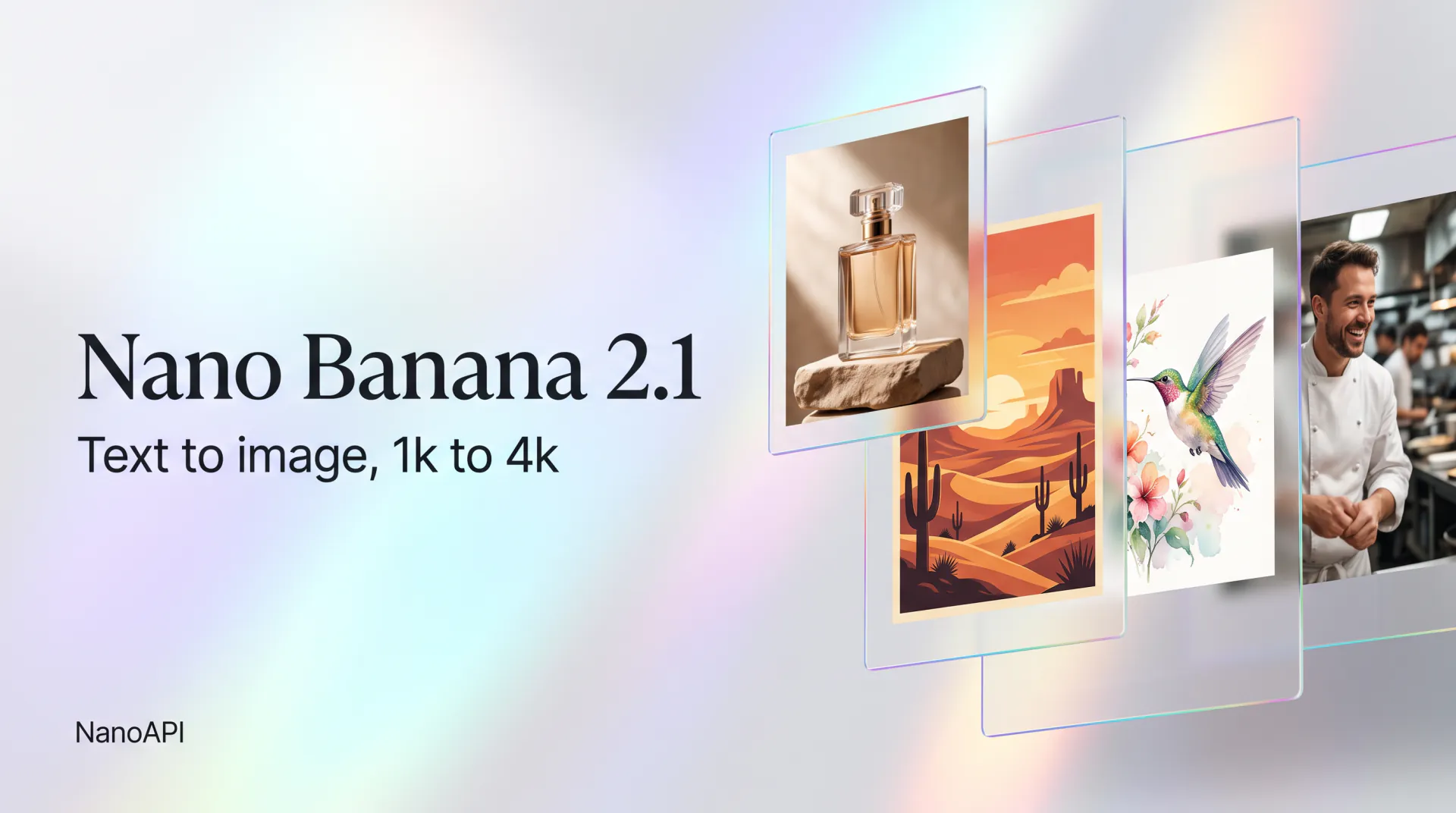
Nano Banana 2.1 is an AI image model that turns a prompt, optionally with reference images, into finished pictures at 1k, 2k or 4k. Prompts can run up to 8,000 characters and point to each reference directly as @Image1, @Image2 and so on, so one request can say which product, character or style goes where. It can think about a prompt before it draws, and search the web or images when it needs to.
On NanoAPI, Nano Banana 2.1 is the model nano-banana-2.1 of the product nano_banana. Every task takes a prompt and up to 14 reference images and returns 1 to 4 images, each as a full PNG plus a JPEG preview of up to 1024 pixels on the long side, on public links that don't expire. You choose the resolution, aspect ratio, number of images and thinking level for every task.
Aspect ratio is where Nano Banana 2.1 stands out: besides the usual 1:1, 4:5, 3:2, 16:9 and 21:9, it draws extreme formats like 8:1 and 1:8 directly, so a website banner or a tall infographic strip comes out at its real shape instead of being cut from a square.
Use Nano Banana 2.1 online in the studio at the top of this page, then call the Nano Banana 2.1 API at https://api.nanoapi.ai/v1 from your own app. Both draw on the same prepaid balance at the same price per image, and you only pay for the images you get: an image that isn't generated is refunded, and so is a task that fails.
Pricing
Nano Banana 2.1 API Pricing
Priced per image by resolution: you're charged only for the images a task returns, and thinking level, search and seed don't change the price.
| Price | 1k / image | 2k / image | 4k / image |
|---|---|---|---|
| Per image | $0.0702 | $0.0936 | $0.1404 |
Live prices per image. Cost = price per image × number of images; you're only charged for the images you get, and failed runs are fully refunded.
How it works
How to Use the Nano Banana 2.1 API
- 1
Step 1: Get your API key
Sign in to NanoAPI with Google and create a key on the API Keys page of the console. It authenticates every Nano Banana 2.1 API request, so keep it on your server.
- 2
Step 2: Top up your balance
Add funds on the Top up page of the console. The balance is prepaid in USD, never expires and is shared by every NanoAPI model, so the same money pays for images and videos.
- 3
Step 3: Create a task
Send POST /v1/tasks with model nano-banana-2.1, a prompt, resolution, aspect_ratio, num_outputs and thinking_level, plus image_urls and the search switches if you need them. The task is queued in under a second, and the price of the requested images is reserved within a few seconds.
- 4
Step 4: Get the images
Receive the finished task once at your webhook_url, or poll GET /v1/tasks/{task_id} every 15 seconds or more. A 1k image takes about 30 seconds, 2k about a minute and a half and 4k about three and a half minutes; the images are in outputs[].url.
Why NanoAPI
Why Use the Nano Banana 2.1 API on NanoAPI
One key, one balance
The same API key and prepaid balance work for every NanoAPI model, image and video alike, through one endpoint, POST /v1/tasks, and one task object.
Pay only for the images you get
Each task reserves the price of the images you ask for. If one of four isn't generated, for example because moderation blocked it, the task still succeeds and that image's price goes back to your balance; if none come back, the whole amount does.
Webhooks or polling
Pass a webhook_url and receive the finished task once, signed to the Standard Webhooks spec (verifying is optional), or poll one task or a batch of task ids.
Safe retries and spend limits
Send an Idempotency-Key and a resent request returns the task it already created instead of charging twice. Cap each key's hourly, daily or total spending in the console.
A console for every request
See each request with its status, model, inputs, cost and result, your daily usage by product and every movement of your balance, and manage keys and the webhook secret.
Try online, then integrate
The studio on this page runs the same Nano Banana 2.1 model at the same prices, so what you test is what your users get. The docs also come as one llms.txt file for AI coding assistants.
Use cases
What You Can Build With the Nano Banana 2.1 API
Product and e-commerce images
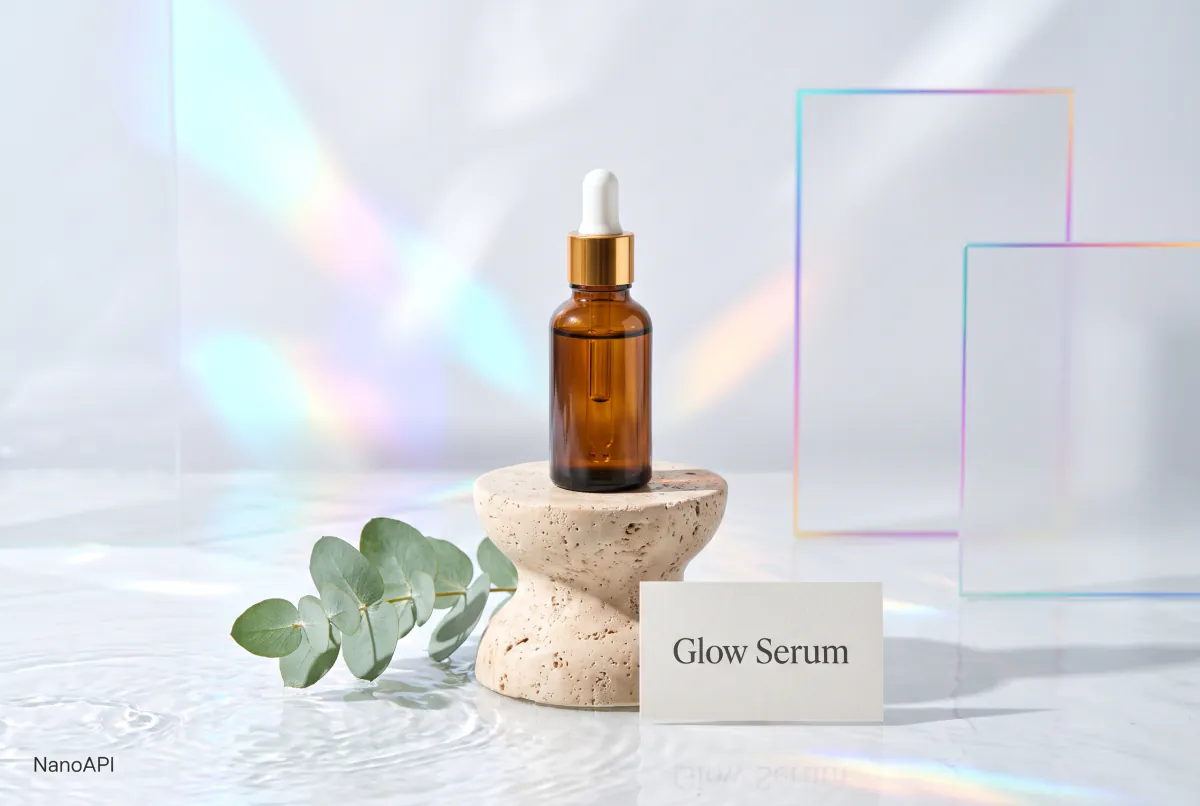
Send a product photo as @Image1 and place it on a new background, in a lifestyle scene or a seasonal campaign, at 2k or 4k for listings and ads.
Banners and wide layouts
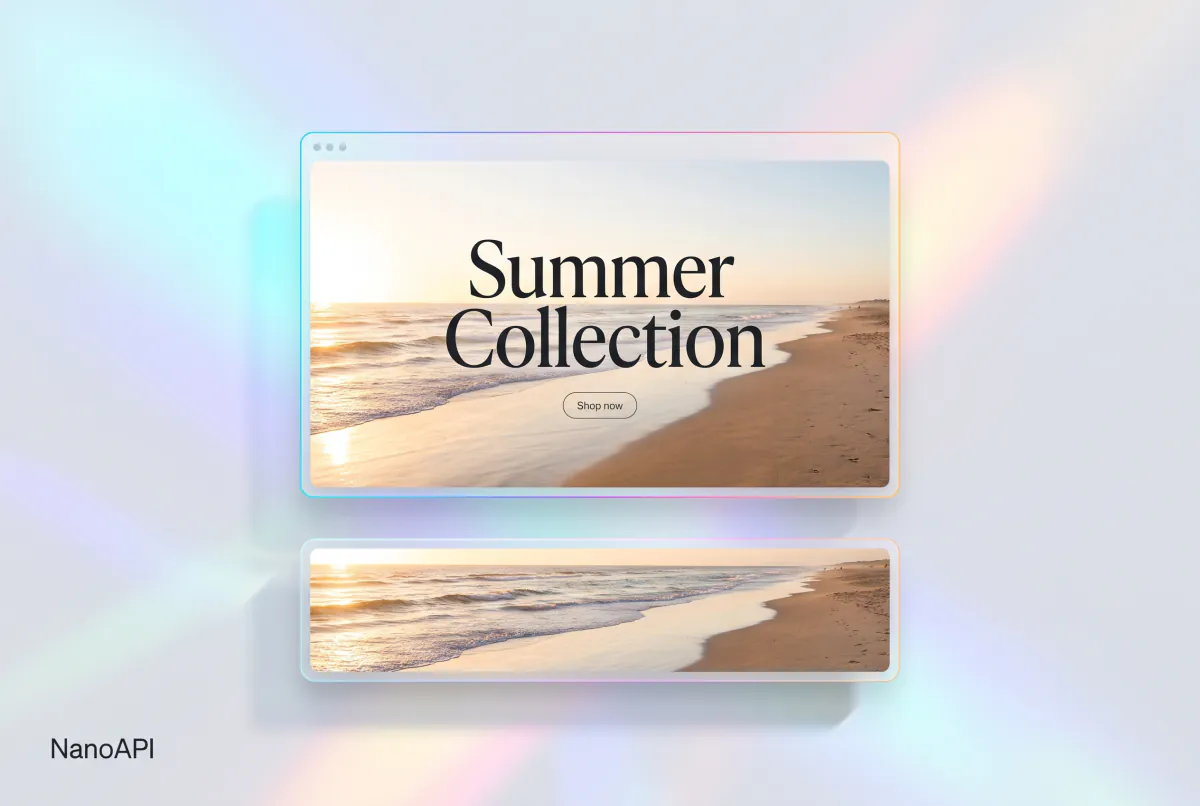
Generate 21:9 hero images, 4:1 and 8:1 website banners or 1:4 and 1:8 vertical strips in one request, without cropping a square image.
Consistent characters and brand sets
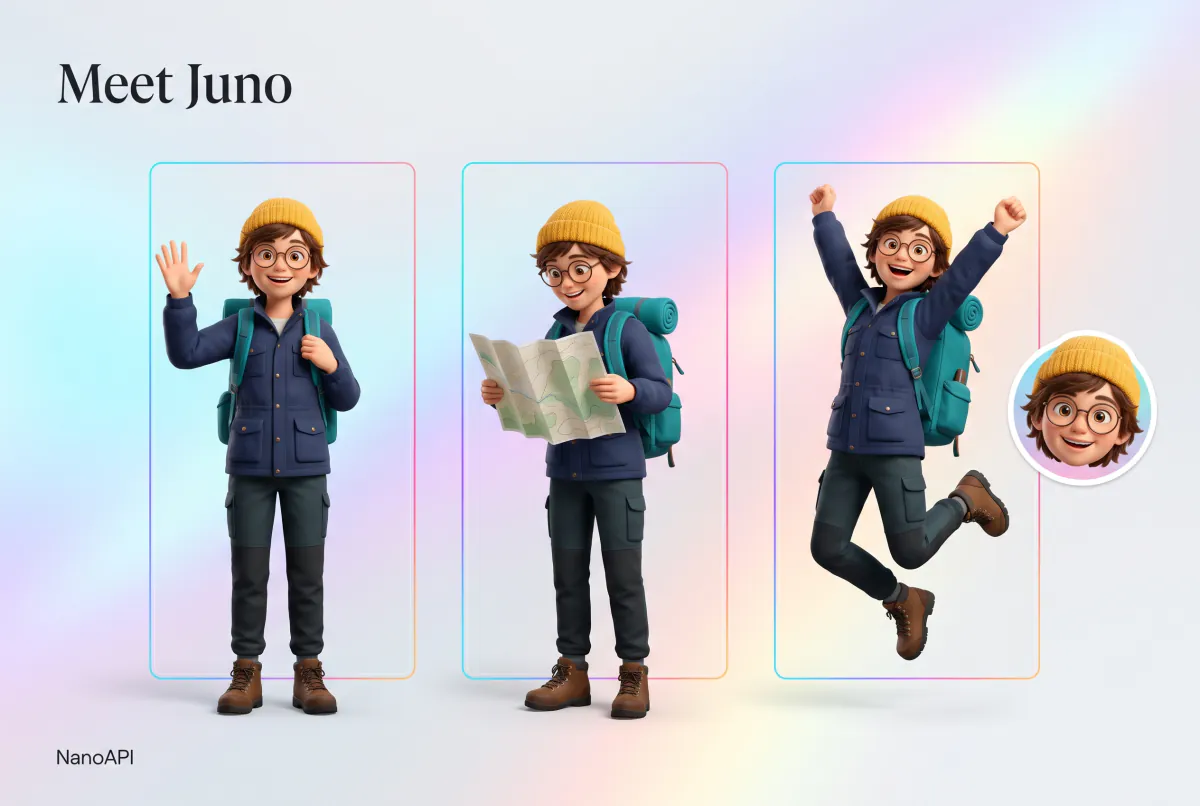
Use up to 14 reference images to keep a character, a mascot or a brand's colors and style the same across a whole series of images.
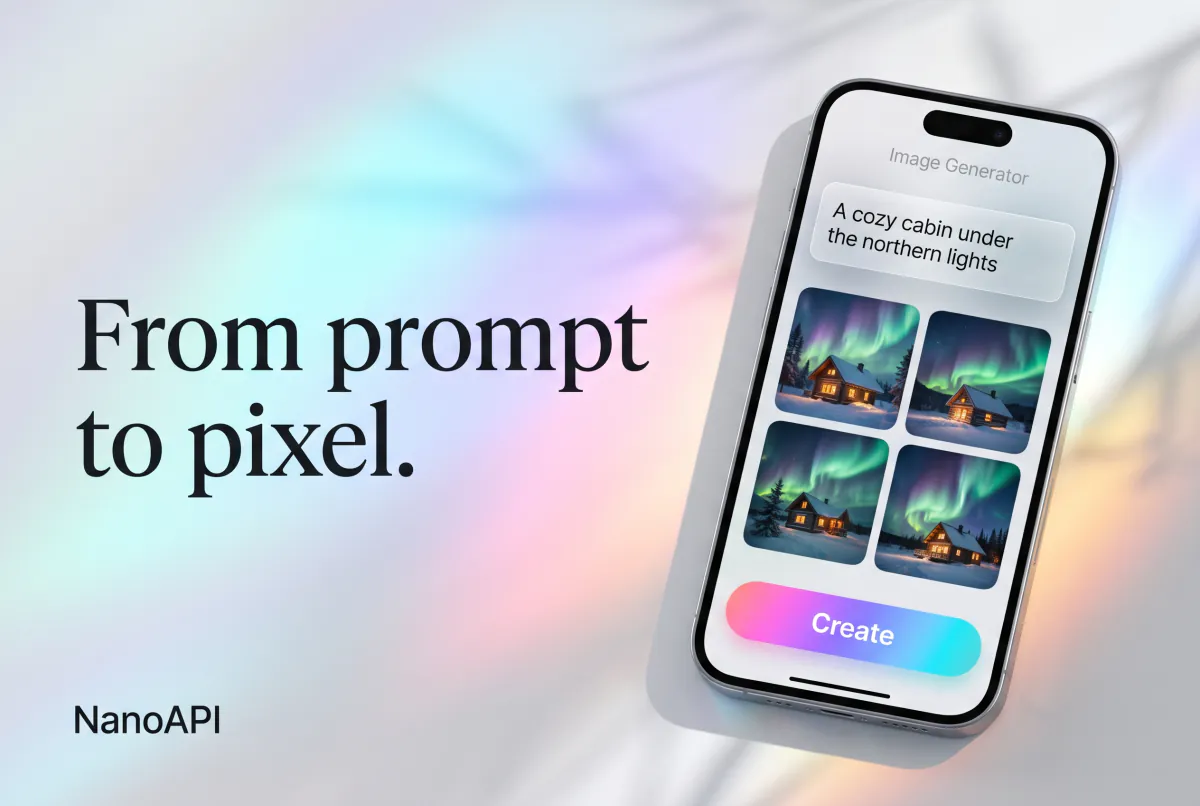
Image features in your app
Add Nano Banana 2.1 text to image to a design tool, a social app or a content pipeline: create tasks in bulk, get the images by webhook and store the PNG links as they are.
FAQ
Nano Banana 2.1 API FAQ
Can’t find what you need? Write to us.
01What is the Nano Banana 2.1 API?
The Nano Banana 2.1 API lets your app generate images with the Nano Banana 2.1 model over HTTP. On NanoAPI you send POST /v1/tasks with model nano-banana-2.1, a prompt and the image settings, optionally with up to 14 reference images, and get 1 to 4 images back by webhook or by polling.
02How much does the Nano Banana 2.1 API cost?
You pay per image: the price of the resolution × the number of images generated. A task reserves the price of every image in num_outputs, charges only for the images it returns and refunds the rest; a failed task is refunded in full. thinking_level, the search switches and seed don't change the price. The live prices are in the table above, on the pricing page and in GET /v1/products.
03How many reference images can I use, and in which formats?
Up to 14 per task, as public http(s) links in image_urls, named in the prompt as @Image1, @Image2 and so on in that order. JPEG, PNG, WebP, AVIF, GIF (the first frame), BMP and TIFF work. HEIC and HEIF don't, so convert iPhone photos to JPEG first; the studio on this page does it for you. A PNG with a transparent background is placed on white before it's used.
04Which resolutions and aspect ratios does Nano Banana 2.1 support?
resolution is 1k, 2k or 4k. aspect_ratio is auto, 1:1, 3:2, 2:3, 4:3, 3:4, 4:5, 5:4, 9:16, 16:9 or 21:9, or one of the extreme formats 4:1, 1:4, 8:1 and 1:8. With one reference image auto follows its shape; with several the model decides and the size isn't fixed, so pick a ratio when you need an exact one. Without reference images auto gives 1:1.
05What happens if only some of my images are generated?
The task still succeeds and outputs contains only the images that were made, so it can be shorter than num_outputs; this happens, for example, when moderation blocks one image. You're charged for the images you got and the rest goes back to your balance. Only when no image comes back does the task fail, with a full refund.
06What do thinking_level, web search and image search do?
thinking_level (minimal, medium or high) sets how much the model thinks about your prompt before it draws. enable_web_search and enable_image_search let it search the web or images while it works, which helps when the prompt names something it needs to look up. thinking_level is required on every task, the two search switches are optional, and none of them changes the price.
07How long does it take, and what do the results look like?
About 30 seconds for a 1k image, a minute and a half at 2k and three and a half minutes at 4k. Several images run in parallel, so a task of four takes about as long as one. Each image comes as a PNG at outputs[].url and a JPEG preview at preview_url, on public links that don't expire.
08Can I try Nano Banana 2.1 online before integrating?
Yes. Sign in with Google and use the studio at the top of this page: it runs the same Nano Banana 2.1 model at the same prices as the API and draws on the same balance, so you can check results and costs before you write any code.
Start Creating With Nano Banana 2.1
Try Nano Banana 2.1 in the studio above, then use the Nano Banana 2.1 API to bring the same model into your product.